Today’s customers don’t think in terms of channels. They just want fast, helpful answers, regardless of where the conversation begins. Whether someone reaches out via phone, chat, SMS, email, or social media, they expect a seamless experience from start to finish. That’s where Five9 comes in.
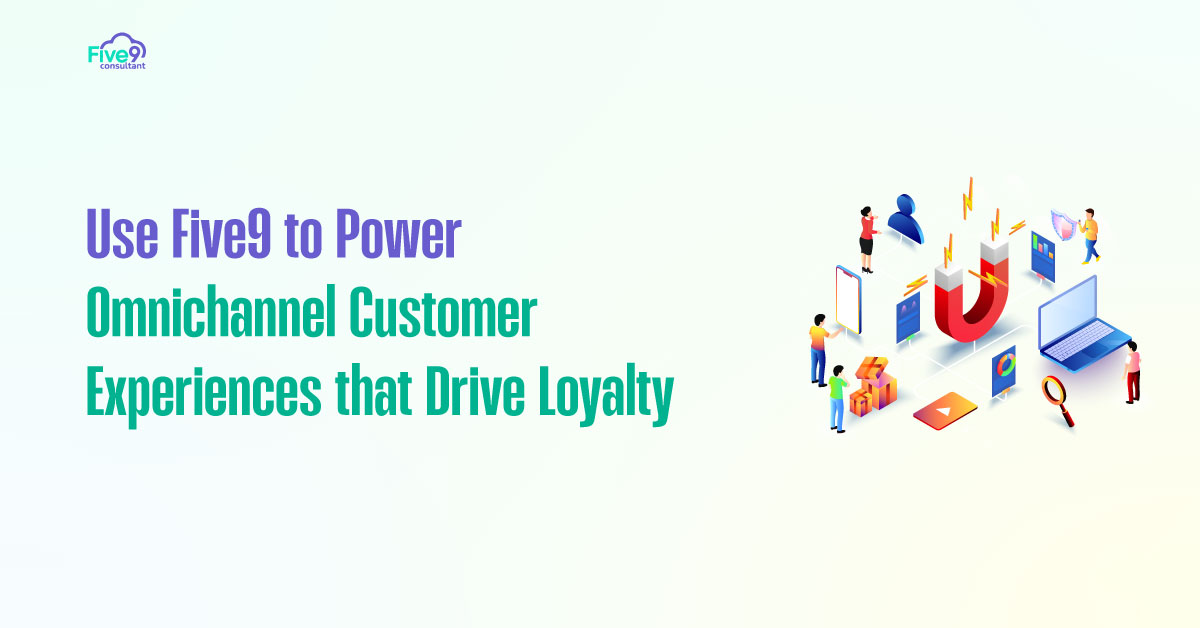
Five9 empowers businesses to create truly omnichannel customer experiences. By unifying communication across platforms, you can respond more quickly, personalize interactions more effectively, and foster stronger relationships with your customers.
In this guide, we’ll show you how to use Five9 to turn every customer interaction into an opportunity for satisfaction, retention, and long-term value.
Why is Omnichannel Support No Longer Optional?
Modern consumers interact with brands through multiple touchpoints, sometimes switching between them within the same conversation. A customer might initiate a live chat, follow up with a phone call, and confirm resolution via SMS. If your team treats each of these interactions as isolated events, you risk confusion, delays, and poor service.

Omnichannel support connects all communication into a single, continuous journey. It ensures that agents have access to the full customer history, regardless of the channel from which the conversation originated. With Five9, delivering this level of support becomes simple, scalable, and effective.
What Channels Does Five9 Support for Omnichannel?
Five9 is designed to handle all major customer communication channels, either natively or through integrations. This allows your team to stay flexible and meet customers wherever they are.
Supported channels include:
Voice – Inbound and outbound voice calls remain a core service
SMS – Two-way text messaging for fast, casual interactions
Chat – Live chat on your website for real-time digital support
Email – Centralized handling of customer service or ticket-related messages
Social – Engagement through platforms like Facebook and Twitter via third-party integrations
These channels can all be managed within a single environment, making it easy for agents to switch between them without losing context or workflow efficiency.
Use the Unified Agent Desktop to Manage All Channels

One of Five9’s most powerful features is its Unified Agent Desktop. This interface lets agents manage voice, chat, SMS, email, and social interactions from a single screen. No more jumping between tabs or tools.
With everything in one place, agents can instantly view previous conversations, customer details, and CRM history. This leads to faster response times and more accurate resolutions, regardless of the channel.
The Unified Agent Desktop also simplifies training. Instead of learning five different tools, agents master one platform that handles everything. This improves onboarding speed and boosts productivity across the board.
Route Customers Based on History, Not Just Channel
In an omnichannel environment, routing decisions should not be based solely on the channel used. Instead, use customer history and behavior to determine the best destination for each interaction.
For example, if a customer who has recently experienced a billing issue starts a chat, you can route them directly to the finance support team. If a high-value customer calls in, route them to your most experienced agent or a dedicated account team.
Five9’s intelligent routing engine enables you to combine data from your CRM, previous tickets, and channel preferences to make smarter, real-time decisions. This level of personalization improves satisfaction and reduces the need for multiple transfers or repeated explanations.
Sync All Touchpoints to Your CRM for a Complete Timeline
To deliver a consistent experience, you need a complete view of the customer journey. That means syncing every interaction, regardless of channel, back to your CRM system.
Five9 integrates natively with leading CRM systems, including Salesforce, ServiceNow, and Microsoft Dynamics. Every voice call, chat, email, or SMS is logged to the correct contact or case, creating a unified timeline of engagement.
When agents can see the full history, they can pick up the conversation without asking the customer to repeat themselves. This saves time and shows that your company is organized, responsive, and genuinely attentive.
Automate Follow-Ups Across Channels for Better Engagement
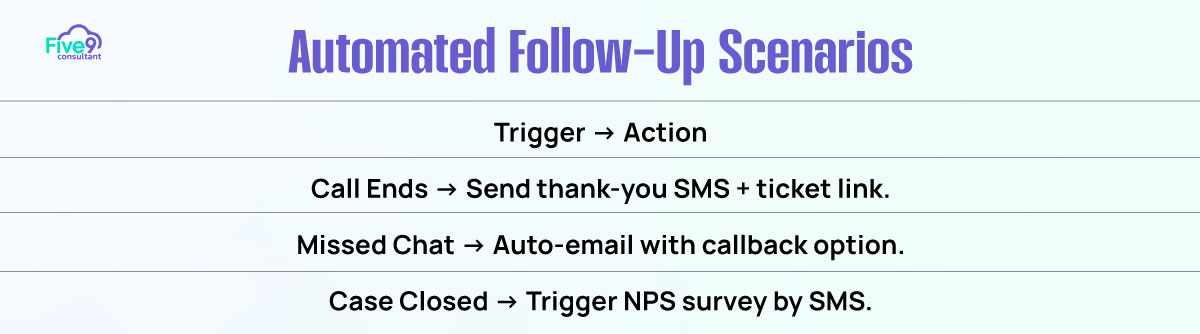
Customers don’t always want to continue the conversation immediately. Sometimes they need a follow-up email, a status update via SMS, or a confirmation message after a phone call.
Five9 makes it easy to automate these follow-ups using built-in workflows or CRM-based triggers. For example:
- After a call ends, send a personalized thank-you SMS with a support ticket link
- If a chat session is missed, trigger an email offering a callback option
- After a case is closed, schedule an NPS survey via SMS
Automation ensures that no customer gets forgotten. It also builds trust and reinforces the value of your service after the initial interaction ends.
Why Omnichannel Consistency Builds Loyalty?
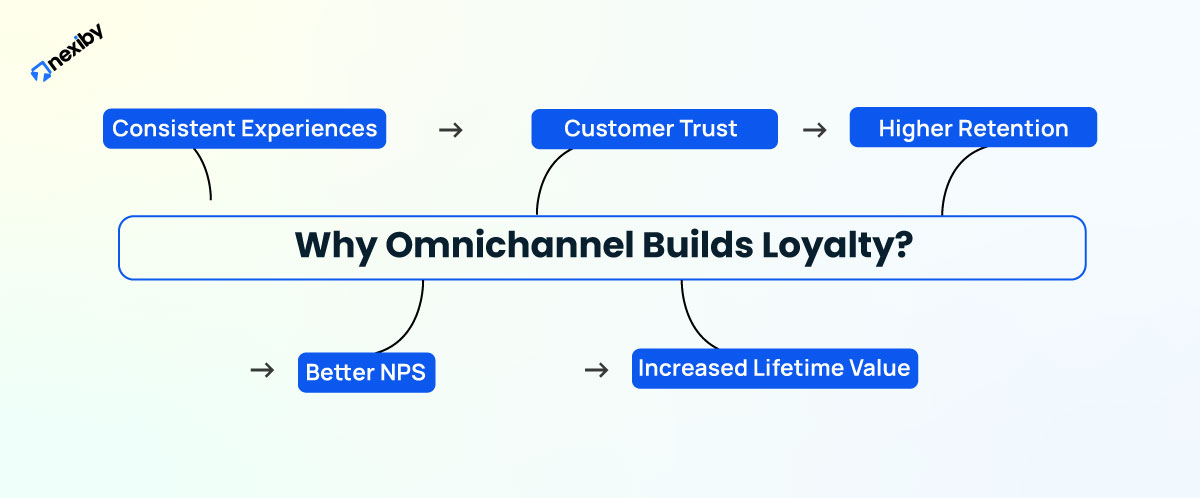
When your service is consistent across channels, customers notice. They feel like your team understands them, values their time, and communicates clearly. This fosters a stronger emotional connection, leading to higher customer retention, improved Net Promoter Scores (NPS), and increased lifetime value.
Omnichannel isn’t just about technology. It’s about mindset. It shows customers that, regardless of how they reach you, they’ll receive the same high-quality service every time.
With Five9 powering your omnichannel strategy, you create the type of experience customers want to return to again and again.
Create Seamless Journeys with Five9 Omnichannel
In today’s connected world, customers expect flexibility and speed. They want to start a conversation on chat, follow up by phone, and get an update by text, all without repeating themselves.
With Five9, you have the tools to make that possible. By unifying all channels into one platform, routing based on history, syncing with your CRM, and automating follow-ups, you turn fragmented conversations into continuous, high-quality customer journeys.
A true omnichannel experience isn’t about being everywhere. It’s about being consistent everywhere. And Five9 helps you do just that.