Connecting Five9 to your CRM is very important. It helps your team work more efficiently and communicate more effectively with customers. Without it, Five9 is just a calling tool. With it, you get an innovative system for sales and support.
Benefits of Five9 Integration
When Five9 and your CRM work together, your team works faster and smarter. Integration helps you:
- Use click-to-dial straight from your CRM
- Auto-log every call and outcome
- See caller info before answering
- Trigger workflows based on what happens on a call
This means less manual work and more time talking to customers.
Popular CRM Integrations


Below are some of the most commonly used integrations and their support for sales, support, and service operations.
Salesforce
Five9 offers a native Salesforce integration with a built-in softphone, screen pop functionality, and real-time data sync. Agents can make click-to-call actions directly from Salesforce, view customer history, and log call outcomes automatically. This setup supports sales and support use cases by enhancing agent productivity and ensuring that all activity is captured within the Salesforce CRM ecosystem.
HubSpot
Five9 can be connected to HubSpot CRM using Zapier, custom workflows, or middleware tools. This allows for automated contact syncing, call logging, and workflow triggers based on call events. The integration helps align marketing automation, sales pipelines, and customer service activities, creating a unified view of each customer journey inside HubSpot.
Zoho and Others
For businesses using Zoho CRM, Five9 can be integrated via the Five9 REST API, Tray.io, Make.com, or similar middleware platforms. These tools enable custom automation, data mapping, and real-time syncing between Five9 and CRMs that don’t have native apps. Other supported CRMs include Microsoft Dynamics 365, Pipedrive, and Freshsales, providing teams with flexibility in building a cloud contact center solution tailored to their specific needs.
Best Practices for Five9 Integration

Here are the best practices for Five9 integration:
- Set up screen pops so agents instantly see customer info when calls come in.
- Sync call outcomes, such as sales made or support issues resolved, to CRM activity logs.
- Automatically assign leads or contacts to reps based on call queues or agent skills.
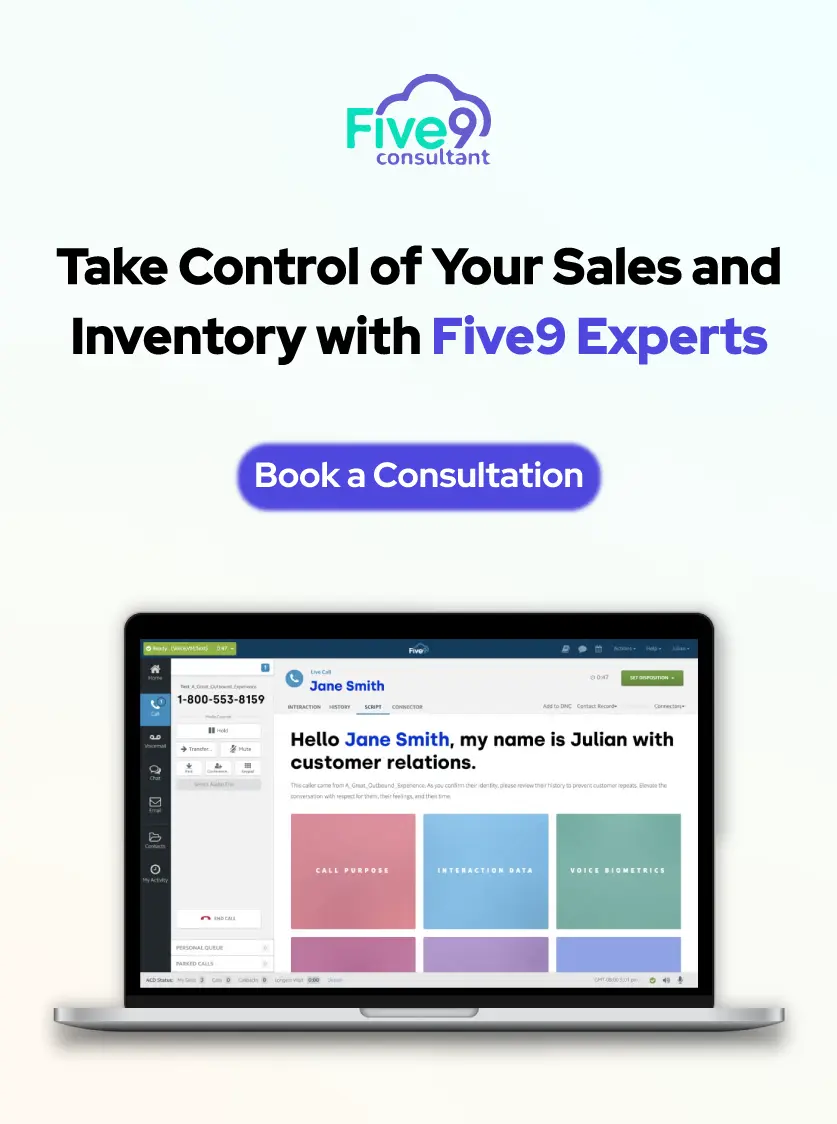
Start your integration journey today with our Five9 Integration Consultant. We’ll help you connect Five9 with your CRM, streamline your workflow, and improve every customer interaction.